
Celebrity Edge Class: A Guide to Life on Celebrity’s Most Innovative Ships
Discover what to expect on a Celebrity Edge Series cruise, from innovative design and Infinite Veranda staterooms to stylish dining, entertainment and relaxation.

Learn how cruise Wi-Fi works, compare internet packages, avoid unexpected roaming charges and use your cruise ship app confidently at sea and in port.
For many modern cruisers, staying connected is an important part of the holiday. You may want to message family at home, check travel information, share photos, keep up with work or use your phone to manage plans while visiting different destinations. However, using your phone at sea is not quite the same as using it on land.
This guide explains how cruise Wi-Fi works, what cruise internet packages usually include, when mobile data may be suitable and how to avoid unexpected charges. Services and prices vary by cruise line, ship and sailing, so always check the details for your specific booking before you travel.
Most modern cruise ships connect to the internet using satellite technology, although some may also use other onboard networks when close to land. The ship then shares that connection through its onboard Wi-Fi system. This allows guests to connect using a phone, tablet or laptop, usually after joining the ship’s network and signing in through an onboard portal.
Satellite internet can be affected by the ship’s location, weather, network demand and the number of people using it at the same time. It may feel slower or less consistent than your home broadband, particularly when many guests are online. Video calls, streaming and large file transfers can therefore be more demanding than messaging, email or browsing.
Wi-Fi access is usually separate from your normal mobile phone allowance. Connecting to the ship’s Wi-Fi does not necessarily mean that your mobile data is being used, but your phone could still connect to a maritime mobile network if Wi-Fi is switched off. To reduce the risk of accidental charges, check your phone settings and your network provider’s advice before sailing.
Cruise internet packages differ between cruise lines and can change over time. Some ships offer more than one level of access, while others include Wi-Fi within a wider fare, drinks package or onboard bundle. The package may be sold per guest, per device, per day or for the full sailing, so read the conditions carefully.
Common package features can include:
Basic access: suitable for email, messaging, browsing and checking travel information.
Social access: may focus on selected social media and messaging services, depending on the cruise line.
Premium access: may support more demanding activities, such as music, video or some video calls, but performance is not guaranteed.
Multi-device access: some packages let you switch between devices, while others allow only one device to be connected at a time.
Before buying, check whether the package includes streaming, video calling, social media, VPN use or access to particular websites. Also confirm whether the allowance begins when you purchase it or when you first connect. If you are travelling as a family, compare the cost of individual access with a package that allows several devices or users.
Think about what you genuinely need to do online. If you only need to send occasional messages, check emails and view your itinerary, a basic option may be sufficient. If you plan to work remotely, upload files or make regular video calls, you may need a higher-level package, but you should still prepare for interruptions and variable speeds.
Downloading films, music, podcasts, maps and important documents before departure can reduce your reliance on cruise Wi-Fi. It is also sensible to agree how your travelling group will communicate if the connection is unavailable. Your ship’s app, onboard announcements and agreed meeting points can all help.
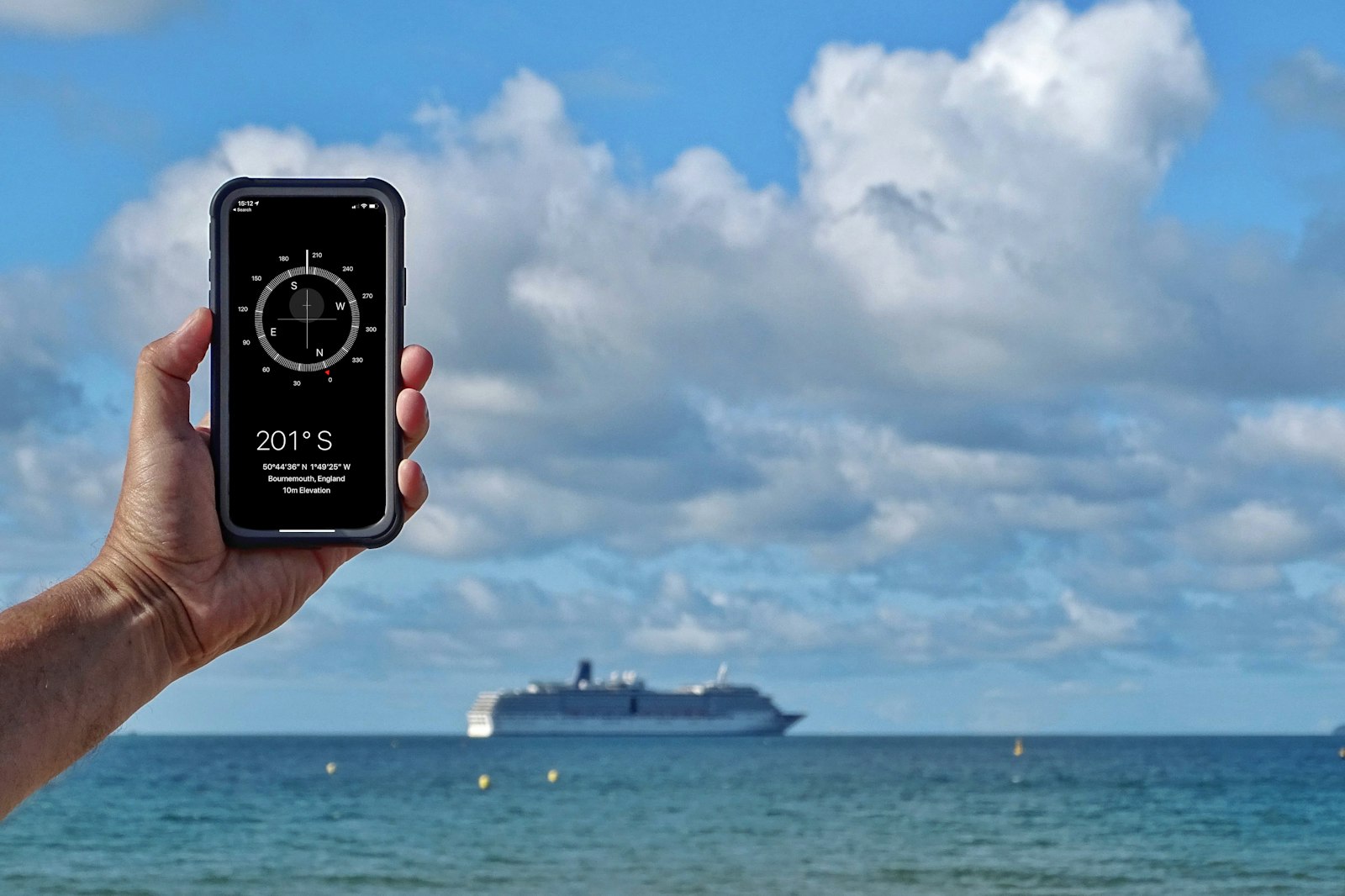
You can often use mobile data on a cruise, but the cost depends on which network your phone connects to. While the ship is at sea, your phone may detect a maritime or satellite-supported network. This is usually not treated in the same way as ordinary land-based roaming and can result in significant charges if you use data, make calls or send messages.
UK customers should not assume that their usual domestic allowance, or any European roaming arrangement, applies while the ship is at sea. The rules may also differ when the ship is in port, in territorial waters or travelling between destinations. Contact your mobile provider before your cruise to ask about maritime roaming, supported destinations, spending limits and available travel add-ons.
Switch your phone to airplane mode before sailing, then turn Wi-Fi and Bluetooth back on if required.
Disable data roaming unless you have confirmed the cost and coverage with your provider.
Turn off automatic app updates, cloud backups and photo syncing when using mobile data.
Check your voicemail settings, as receiving voicemail-related services abroad may have charges with some providers.
Use the ship’s Wi-Fi for online access when appropriate, and monitor any usage shown in the onboard portal.
Check your phone regularly for the name of the connected network, especially after leaving port.
If you need to remain reachable for urgent matters, consider using Wi-Fi calling or messaging only after checking that your phone, provider and cruise line support the service. Ask your mobile provider how calls and texts are billed over a ship’s maritime network.
Port days can provide a cheaper and faster opportunity to get online, but the best option depends on the country you are visiting and your mobile contract. Your UK plan may include roaming in some destinations, while other countries may require a travel add-on, local SIM or eSIM. Coverage and allowances can vary even between countries on the same itinerary.
Before your cruise, list every destination and check your provider’s current roaming terms for each one. Remember that a phone can remain connected to the ship’s network while you are near port, so do not rely solely on being close to land. Wait until you have confirmed a local network before switching off airplane mode or enabling mobile data.
Public Wi-Fi in cafés, terminals and other visitor areas can be useful, but avoid entering sensitive banking details on networks you do not trust. Use a secure connection where possible, keep your device updated and avoid leaving your phone connected automatically to unfamiliar networks.
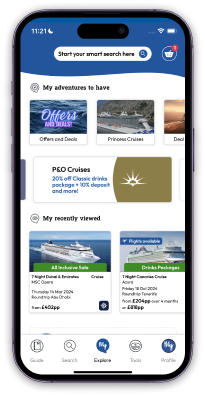
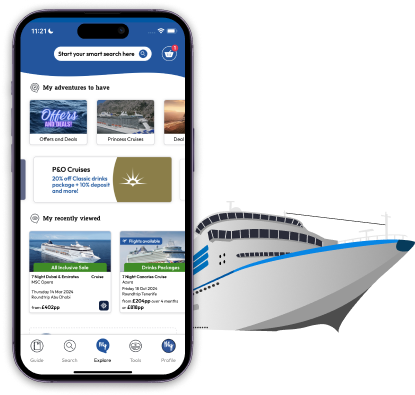
A cruise ship app can be one of the most useful ways to manage your holiday. Many cruise lines provide an app for checking daily activities, viewing menus, making reservations, reading ship information and reviewing your account. Features vary, so download the correct app before departure and follow the cruise line’s instructions for linking it to your booking.
Some cruise ship apps work on the ship’s onboard network without requiring a paid internet package, but this is not universal. Check the app’s guidance and the cruise line’s terms. You may need to connect to the ship’s Wi-Fi and open the app, even if you have not purchased wider internet access.
Depending on the cruise line and ship, an app may help you:
View the daily programme and add activities to a personal schedule.
Check restaurant information and make selected reservations.
Review excursions, port information and meeting instructions.
See onboard charges, account details or notifications.
Message other members of your travelling party, where the service is offered.
Access embarkation information, health guidance and travel updates.
Download updates and log in before you leave home if possible. Bring a portable charger, as using your phone for schedules, maps and photography throughout the day can drain the battery. It is also worth taking screenshots of essential information in case the app or connection is temporarily unavailable.
The best approach is usually a combination of ship Wi-Fi, careful phone settings and mobile data used selectively in port. Start by deciding what connection you need rather than buying the most comprehensive package automatically. Occasional messaging and itinerary checks require less access than daily video meetings or remote work.
For families, arrange a simple communication plan. Agree whether you will use the ship’s app, onboard messaging, a shared meeting point or a particular time to check in. This can reduce the need for everyone to buy a separate internet package. Make sure children know how to contact you and where to go if their phone battery runs out.
If you are working remotely, speak to your employer about the limitations of internet at sea before travelling. Download files in advance, plan around possible outages, use a backup method for urgent contact and allow extra time for uploads or meetings. A cruise Wi-Fi package may help, but it should not be treated as a guaranteed replacement for a reliable office connection.
Finally, keep your devices secure. Use strong passwords, enable screen locks and install operating system updates before departure. Consider backing up important documents and carrying essential booking details offline. These small preparations make it easier to enjoy your cruise without constantly worrying about connectivity.
Staying connected at sea is straightforward once you understand the difference between cruise Wi-Fi, maritime roaming and mobile data in port. Check your cruise line’s internet packages, ask your mobile provider about roaming on a cruise and use your cruise ship app to manage everyday plans. With the right settings and a little preparation, you can stay in touch while keeping control of your costs.

Available in the UK and US. Ts & Cs apply.

Discover what to expect on a Norwegian fjords cruise, from spectacular scenery and scenic sailing to port visits, excursions, weather and practical tips.
Discover what to expect on a Celebrity Edge Series cruise, from innovative design and Infinite Veranda staterooms to stylish dining, entertainment and relaxation.

Explore what makes sailing with Fred. Olsen Cruise Lines a memorable experience, from intimate ships to bespoke itineraries designed for mature travellers.

Explore the cruise news and trends shaping 2026, including greener ships, digital innovations, new destinations, onboard experiences and the events cruise fans should follow.

Discover what it is like to watch a total solar eclipse at sea, including the 2026 Iceland eclipse and cruise routes to consider for 2027.

Add us on Whatsapp for more
Click hereRegister for emails
Plus get access to weekly emails, special rates and discounts.


My Kind Ltd T/A My Kind of Cruise
My Kind of Cruise sells travel services on behalf of Hays Travel Limited and benefits from Hays Travel's membership of ABTA with membership number P8700. My Kind of Cruise is a trading name of MY KIND LTD who are registered in England and Wales with company number 12679699 and VAT number 847 6411 09. Registered office: Devonshire House, 582 Honeypot Lane, Stanmore, United Kingdom, HA7 1JS
Book with Confidence
ABTA and ABTA Members help holidaymakers to get the most from their travel and assist them when things do not go according to plan. We are obliged to maintain a high standard of service to you by ABTA's Code of Conduct.
For further information about ABTA, the Code of Conduct and the arbitration scheme available to you if you have a complaint, contact ABTA, 30 Park Street, London SE1 9EQ. Tel: 020 3117 0599 or www.abta.com.
Our Partners



Deals
Cruise Lines
Blogs
FAQs
